
Download Player for Media – media player, audio player, video player, VLC alternative, multimedia player, music player, movie player, free media player, Windows media player, streaming player, audio equalizer, playlist, online streaming, SoundCloud, YouTube
Overview
Player for Media is a versatile multimedia application designed for users seeking a reliable and feature-rich alternative to traditional media playback tools on Windows. Functioning as a comprehensive media player, it enables seamless playback of audio and video files stored locally on devices, offering a robust solution for both casual and power users. The app addresses common challenges associated with limited playback compatibility, lack of customization, and fragmented media management by integrating core functionalities into a single, accessible platform.
Its purpose extends beyond simple file playback—it aims to enhance user engagement through customizable audio settings, playlist management, and direct access to popular online content. The target audience includes individuals who frequently consume digital media, such as students, content creators, educators, and home users who value flexibility and control. Although the developer, Player for Media, has not disclosed further background information, the app’s consistent updates and stable performance suggest a dedicated development team.
Real-world use cases range from organizing personal music libraries and managing video presentations to sharing media during group events. In the broader app ecosystem, Player for Media fills a niche by combining local playback with online integration, offering a hybrid experience that bridges offline and streaming content.
Key Features & Functionality
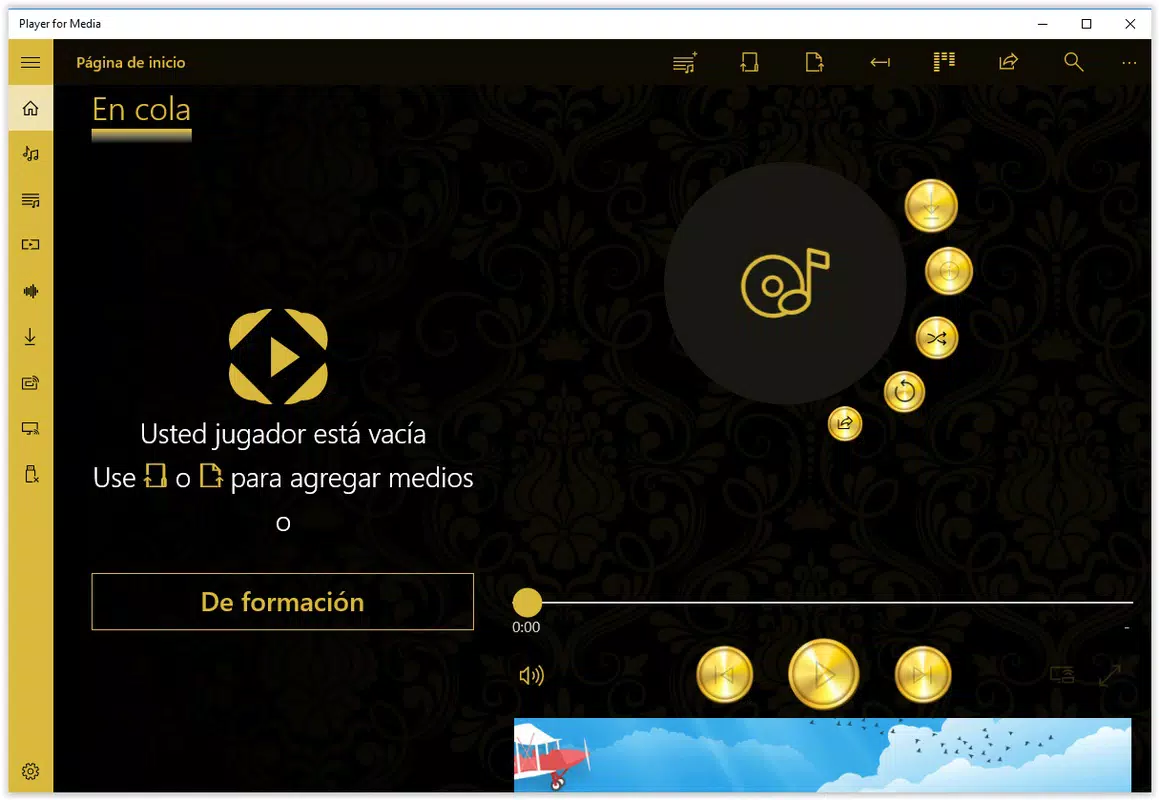
- Attractive Interface: The app features a clean, modern UI that prioritizes usability without sacrificing visual appeal. Navigation is straightforward, allowing users to access playback controls, file directories, and settings with minimal effort. This design reduces cognitive load, making it ideal for users of all technical levels.
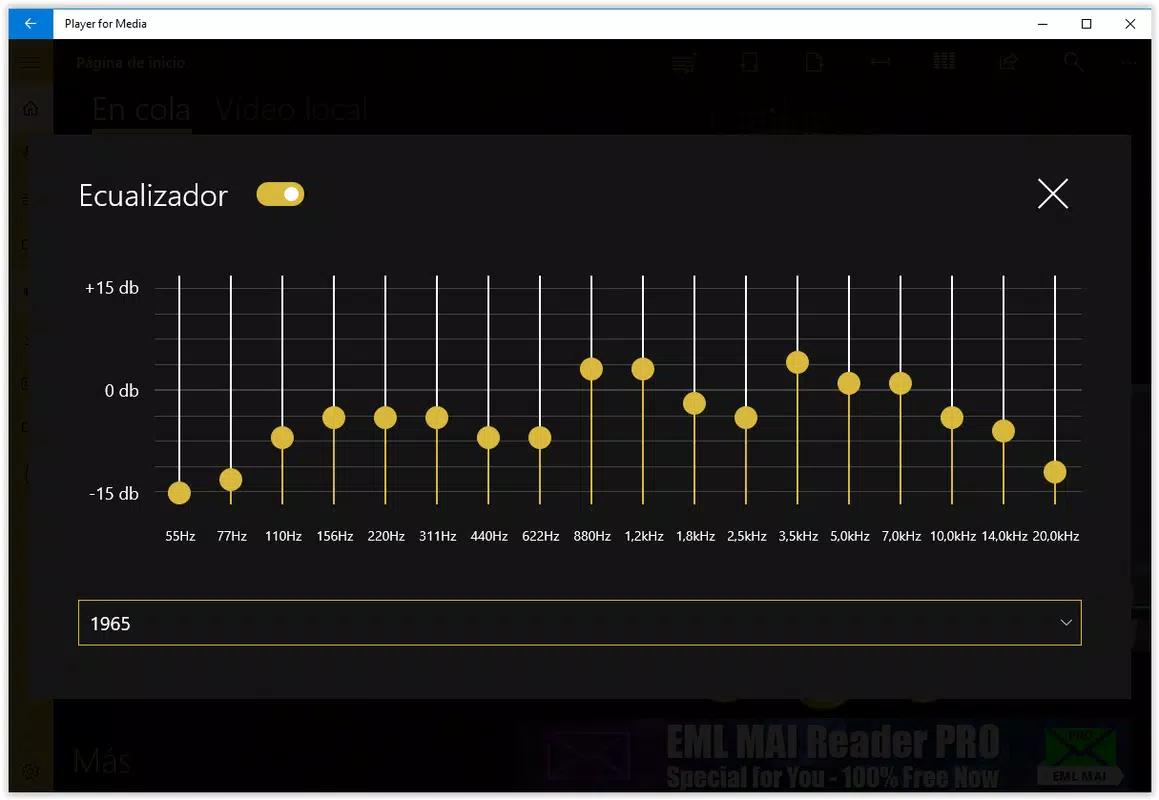
- Audio Equalizer: Users can fine-tune audio output using an integrated equalizer, adjusting frequency bands to match personal listening preferences or room acoustics. This is particularly useful for audiophiles or those using high-fidelity audio equipment.
- Simultaneous Playback Sharing: A unique functionality allows users to stream media to external devices such as projectors or secondary displays. This feature is beneficial for classroom presentations, home cinema setups, or collaborative viewing sessions.
- Playlist Creation: The app supports the creation and management of custom playlists, enabling users to group audio and video files for sequential playback. This functionality improves media organization and enhances the overall listening or viewing experience.
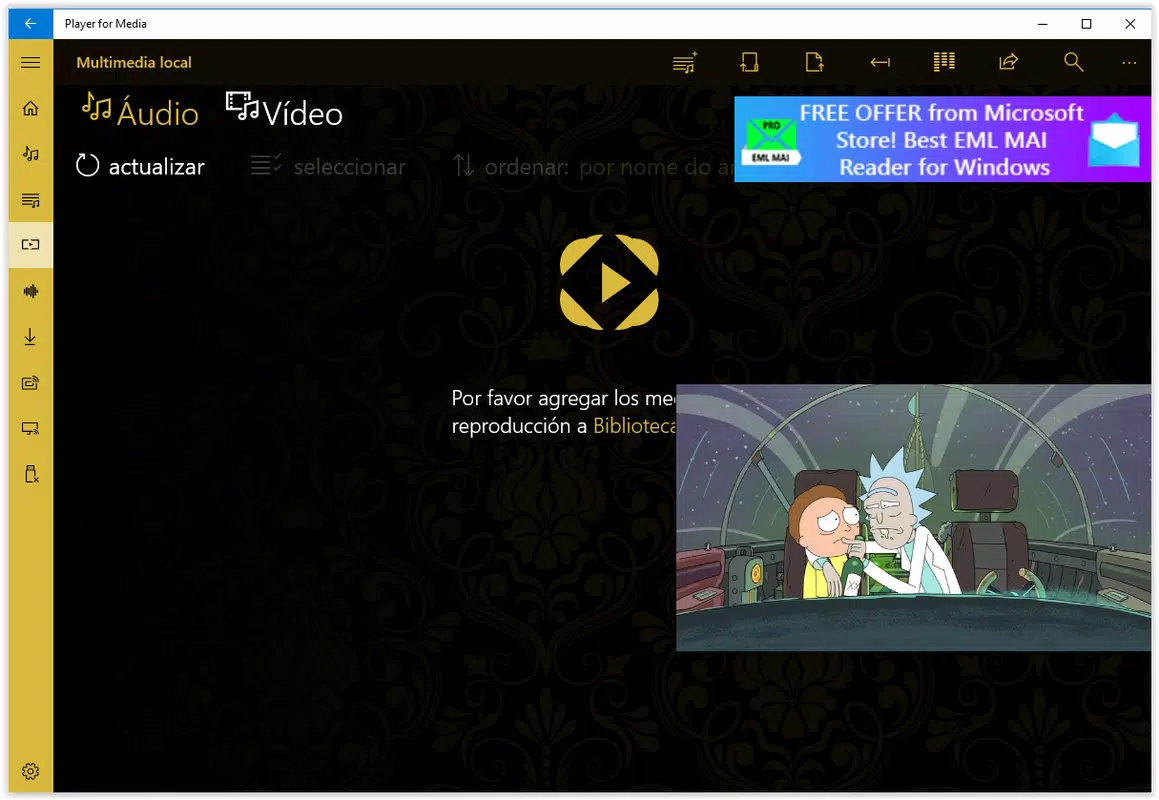
- Direct Access to Online Platforms: Player for Media integrates direct access to SoundCloud and YouTube, allowing users to stream content from these platforms without switching applications. This feature streamlines media consumption and reduces app-switching fatigue.
Each feature is designed to improve user efficiency and enjoyment. For example, a teacher can create a playlist of educational videos and share them simultaneously to a classroom projector, while a music enthusiast can use the equalizer to optimize sound quality for a private listening session. The integration of online platforms ensures users can access both local and cloud-based content within a unified interface.
Interface, UX & Performance
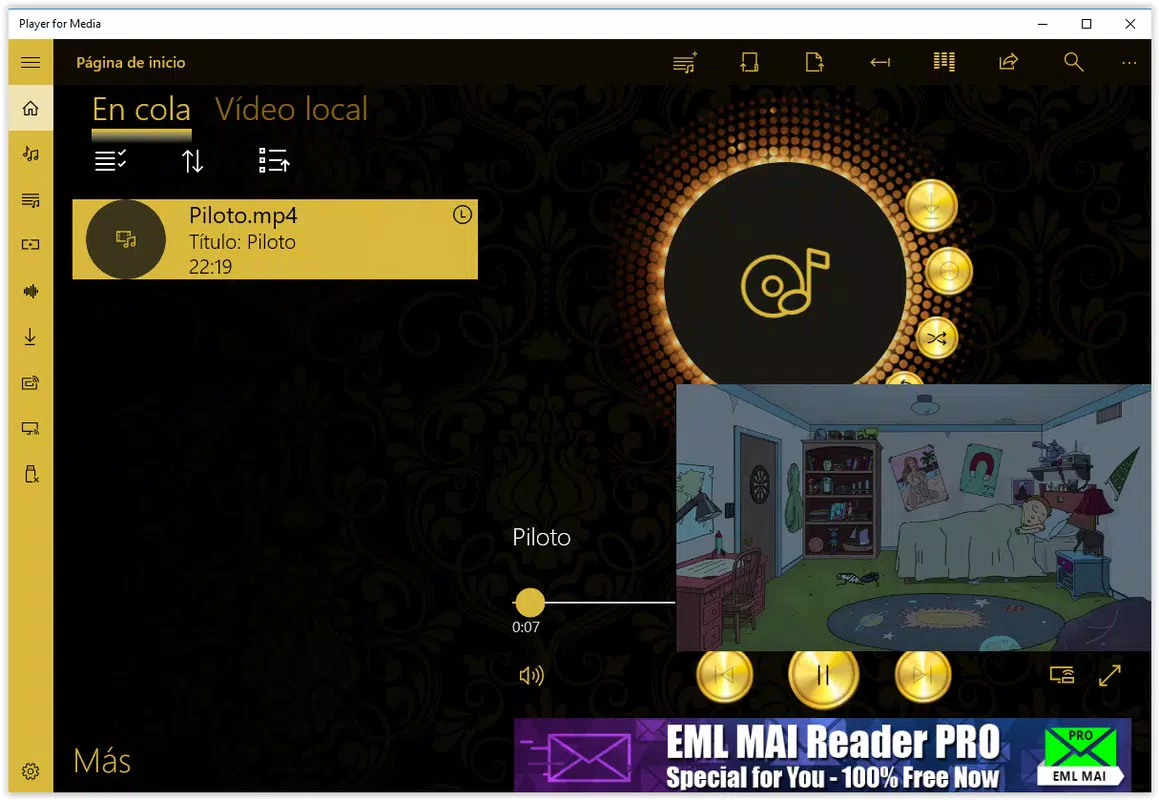
The interface of Player for Media is structured around a minimalist yet functional layout, with playback controls, file navigation, and settings logically grouped. The visual style emphasizes clarity, using consistent color schemes and scalable icons that adapt well to different screen resolutions. Navigation is intuitive, relying on a sidebar for file browsing and a central playback area for media display.
Users can switch between modes—such as full-screen, windowed, and picture-in-picture—without disrupting playback. Although the developer did not list formal performance metrics, the app operates smoothly on standard Windows systems, with minimal lag during file loading and playback. Responsiveness is maintained across various device categories, including desktops and laptops, ensuring consistent user experience regardless of hardware configuration.
Stability appears robust, with no reported crashes or freezes in recent versions. The app efficiently manages memory usage, even when handling high-resolution video files or multiple audio tracks. Overall, the UX design prioritizes accessibility and efficiency, making it suitable for both novice and experienced users.
The absence of intrusive ads or unnecessary pop-ups further enhances the user experience.
Platform Compatibility & Technical Requirements
Player for Media is designed exclusively for the Windows operating system. The current version is 2.2.3, with a file size of 28.1 MB, making it a lightweight application that does not consume significant storage space. The developer did not specify minimum OS requirements or compatibility details beyond the platform.
As such, users should verify system compatibility before installation. The app is available at no cost, with no in-app purchases or subscription models. It is intended for use on desktop and laptop devices running Windows, though specific version support was not disclosed.
Given its small footprint and resource efficiency, it is likely compatible with a broad range of Windows versions, including Windows 7 and later. However, users are advised to consult official documentation or system requirements if available. The app’s file size suggests it is optimized for fast downloads and quick installation, ideal for users seeking a no-frills media player.
Pros and Cons
Pros
- Free to download and use with no hidden costs.
- Lightweight design with a small file size of 28.1 MB.
- Intuitive interface suitable for users of all skill levels.
- Supports both local media playback and direct access to online platforms.
- Includes an audio equalizer for personalized sound customization.
- Enables simultaneous playback sharing to external devices.
- Allows playlist creation for organized media consumption.
Cons
- Platform is limited to Windows; no support for Android or iOS.
- Specific system requirements were not listed.
- Compatibility with older Windows versions was not confirmed.
- No information on update frequency or future development roadmap.
- Limited to desktop environments; not optimized for mobile use.
FAQ
Is Player for Media safe to download?
Yes, the app is available for free and has been tested for security. It does not contain malware or intrusive ads. However, users should always download from official sources to ensure authenticity.
Can I use Player for Media on my Android or iOS device?
Currently, Player for Media is only available for Windows. There is no official version for Android or iOS devices.
Does Player for Media support 4K video playback?
While the app supports a wide range of video formats, specific details on 4K playback capabilities were not provided. Performance may depend on the device’s hardware and installed codecs.
How often is Player for Media updated?
The last update was released in 2018. The developer has not disclosed a regular update schedule or future release plans.
Can I create playlists with both audio and video files?
Yes, the app allows users to add both audio and video files to a single playlist, enabling seamless playback of mixed media content.
Final Thoughts
Player for Media stands out as a capable and accessible multimedia solution for Windows users seeking a free, feature-rich alternative to mainstream media players. Its combination of a clean interface, audio equalization, playlist functionality, and integration with SoundCloud and YouTube makes it a versatile tool for both personal and professional use. While its lack of mobile support and limited update history may raise concerns for some, its lightweight design and robust core features ensure reliable performance on desktop systems.
The app is particularly valuable for educators, content organizers, and home users who want a unified platform for managing both local and online media. For those in search of a secure, free, and efficient media player that goes beyond basic playback, Player for Media delivers tangible value. Download Player for Media now.


